adding videos
Embedding videos with Sitecake is really easy. There are three ways to add a video to your page.
- Drag and drop the toolbar video icon onto the page, click the blue placeholder and paste a URL from YouTube or Vimeo.
- Drag and drop a video URL from the address bar of your browser tab onto the page.
- Drag and drop a video thumbnail directly from YouTube or Vimeo.
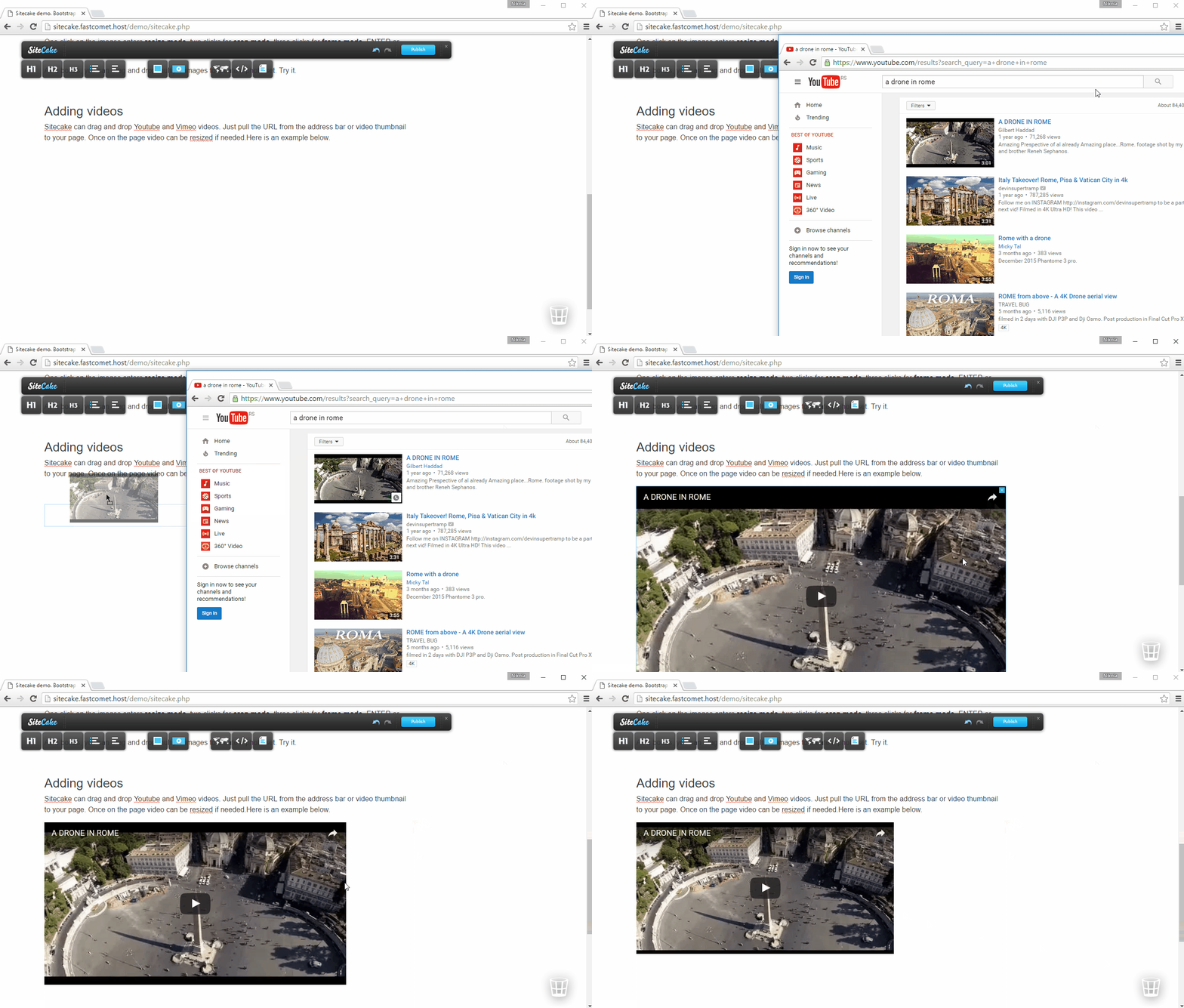
Once videos are on the page you can click them to resize. Right now we support YouTube and Vimeo. We plan to support more video services in the future.